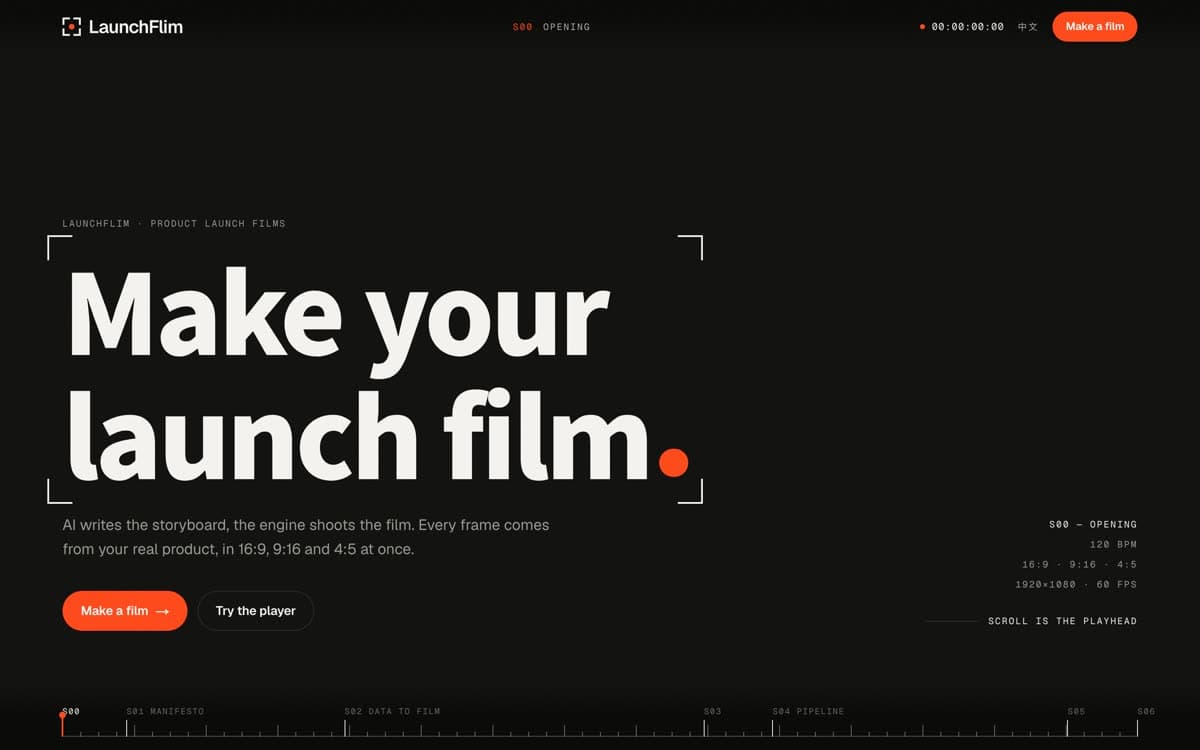
LaunchFlim · Product launch films
Make yourlaunch film.
AI writes the storyboard, the engine shoots the film. Every frame comes from your real product, in 16:9, 9:16 and 4:5 at once.
S01 · Manifesto
No redrawn screensNo made-up featuresWe film your product.
Every shot is a real capture: a public URL, your source code, or a recording you provide.
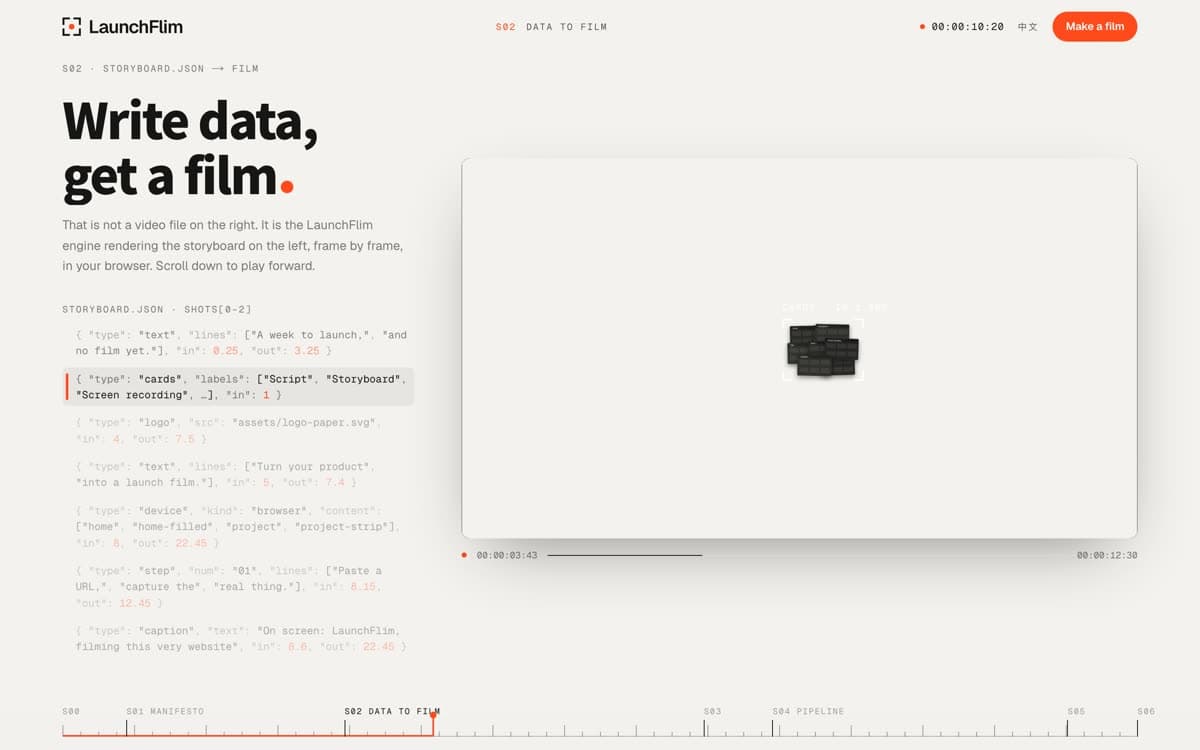
S02 · storyboard.json → film
Write data,get a film.
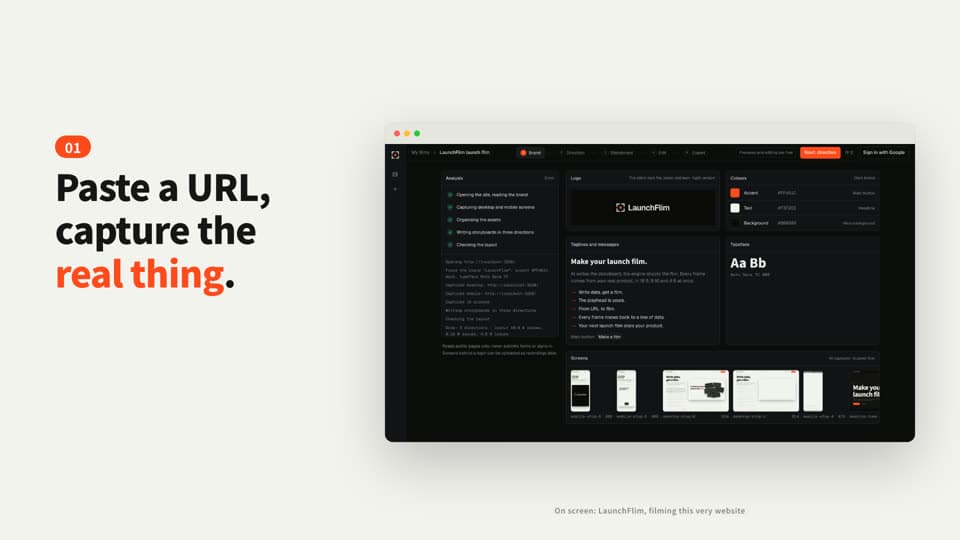
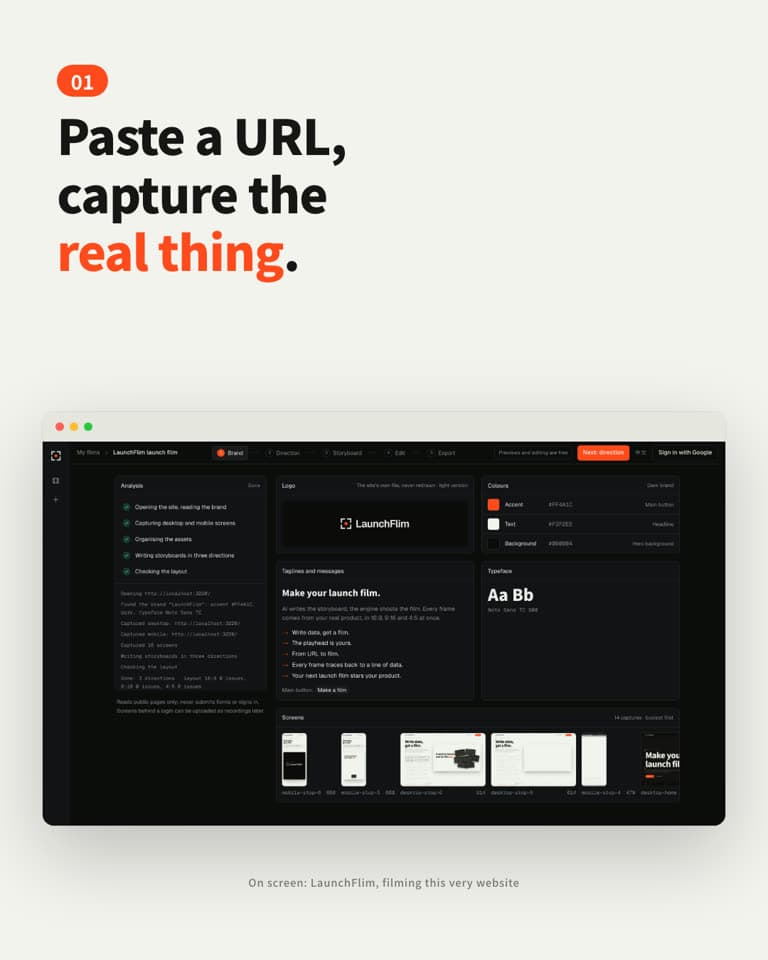
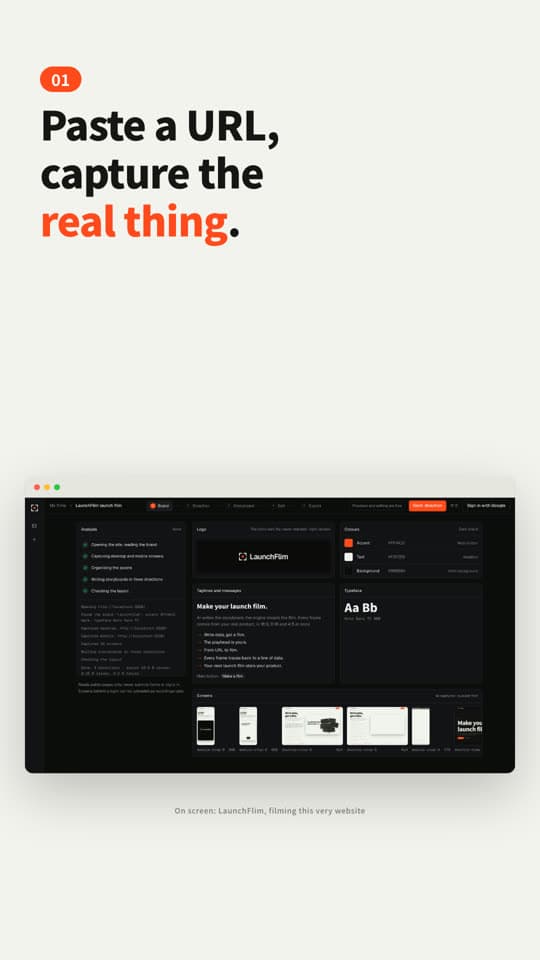
{ "type": "text", "lines": ["A week to launch,", "and no film yet."], "in": 0.25, "out": 3.25 }{ "type": "cards", "labels": ["Script", "Storyboard", "Screen recording", …], "in": 1 }{ "type": "logo", "src": "assets/logo-paper.svg", "in": 4, "out": 7.5 }{ "type": "text", "lines": ["Turn your product", "into a launch film."], "in": 5, "out": 7.4 }{ "type": "device", "kind": "browser", "content": ["home", "home-filled", "project", "project-strip"], "in": 8, "out": 22.45 }{ "type": "step", "num": "01", "lines": ["Paste a URL,", "capture the", "real thing."], "in": 8.15, "out": 12.45 }{ "type": "caption", "text": "On screen: LaunchFlim, filming this very website", "in": 8.6, "out": 22.45 }
S03 · Player
The playhead is yours.
One storyboard, recomposed for every format. Change a line or a brand colour and the whole film follows, instantly.
Drag the timeline, or swipe across the frame
S04 · Pipeline · 01 / 05
From URL to film.
01Capture
Freeze the clock, step CSS animations frame by frame, capture the real interface. Screens behind a login come from a recording you provide.
storyboard.json · shots[2] · written by Claude
{ "id": "capture", "start": 7.95, "end": 12.95, "elements": [ { "type": "step", "num": "01", "lines": ["Paste a URL,", "capture the", "real thing."], "in": 8.15, "out": 12.45, "size": { "16x9": 72, "9x16": 80, "4x5": 68 } }, { "type": "device", "kind": "browser", "in": 8, "content": ["home", "home-filled", "project", "project-strip"] } ]}
cues.json · 47 sound cues, all derived from the timeline
whoosh 19thud 7pop 7tap 4sparkle 2impact 2heartbeat 2note 2swipe 2
Score · D minor · 120 BPM · Dm–Bb–F–C
check.json · one frame every 0.25 s
- 16:9Overlaps · out of frame · over devices121 frames · 0 issues
- 9:16Overlaps · out of frame · over devices121 frames · 0 issues
- 4:5Overlaps · out of frame · over devices121 frames · 0 issues
- After export: spec · black bars · frozen frames · loudnessqc.py
S05 · X-ray
Every frame traces backto a line of data.
Generative video hands you a stream of pixels. LaunchFlim hands you a storyboard you can read, edit and check: change the words, the colours or the format without a reshoot.
S06 · Action
Your next launch filmstars your product.
Paste a URL or hand us a recording. Get back a 30-second launch film, and a storyboard you can keep editing yourself.
Preview without signing up. You only need an account to export.