Motion lessons
One thing at a time, made clear
When motion feels off or cheap, it is often one setting. Each lesson teaches a single technique: the same screen in two versions, the difference taken apart frame by frame, and the code to use it.
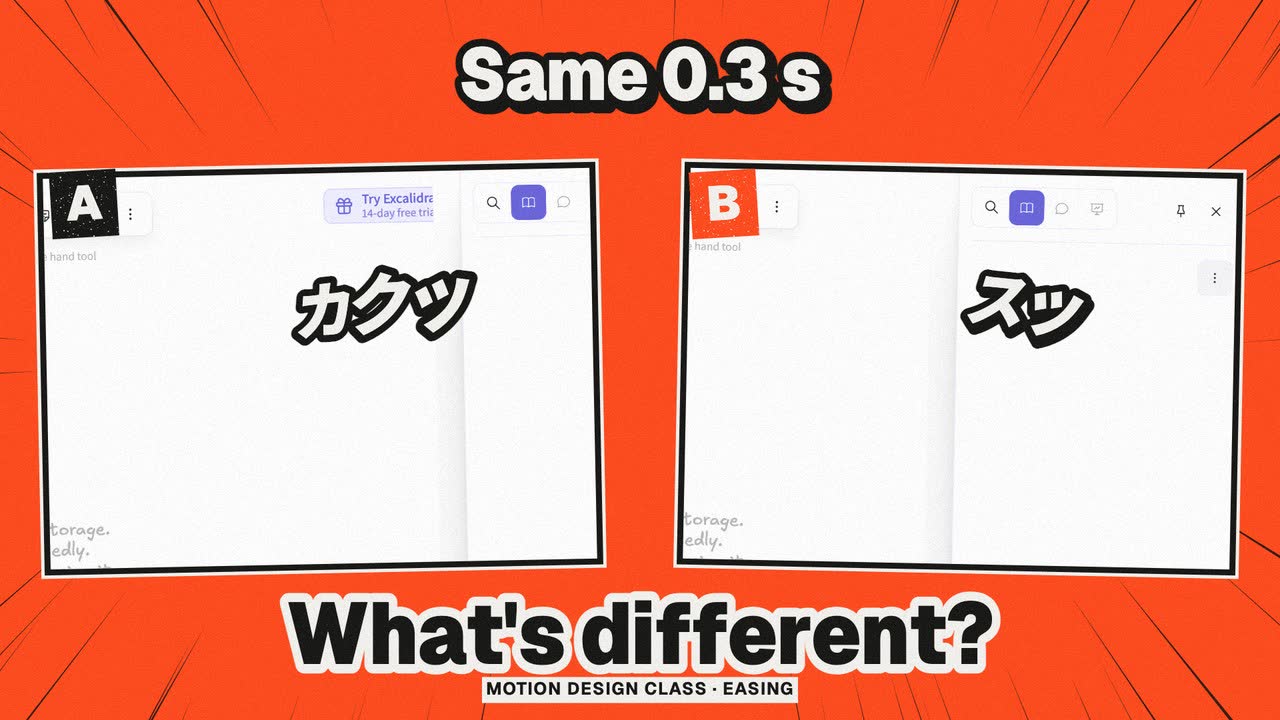
Motion lessons #01
Easing: same 0.3 seconds, the difference is how it stops
Same sidebar, same distance, same 0.3 s: only the easing changes. Frame-by-frame positions and an A/B explain ease-out, ease-in and spacing, with CSS.
Read the lesson About 4 minutes
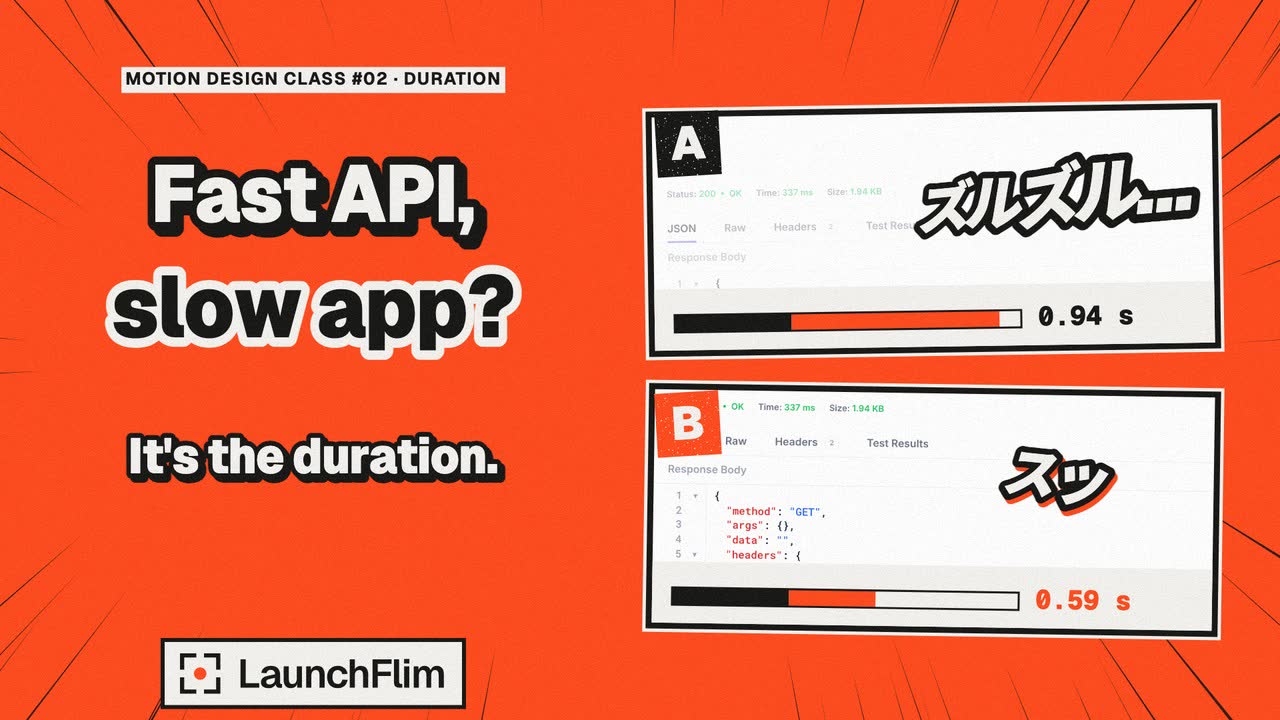
Motion lessons #02
Animation duration: a fast API, a slow app?
Same curve, only the seconds change: 0.60 s means a 0.94 s wait, 0.25 s only 0.59 s. Duration, distance and starting points, with CSS.
Read the lesson About 4 minutes