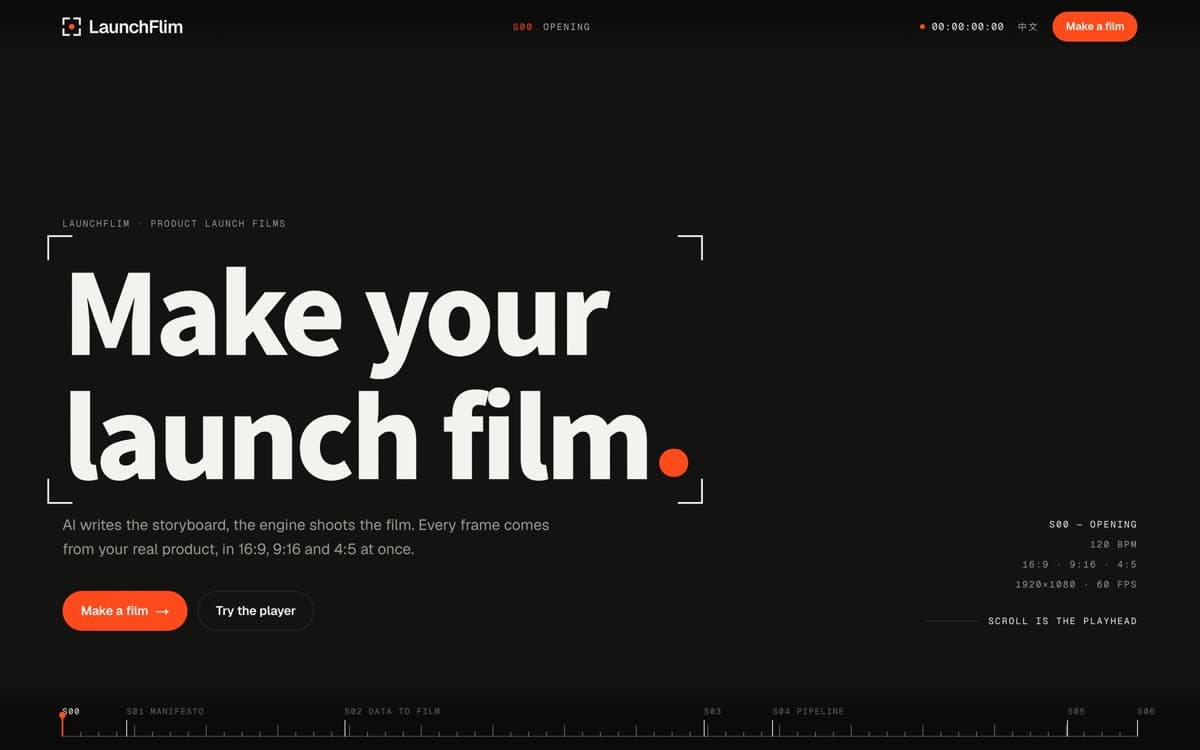
LaunchFlim · AI-native motion design
Motion design,written by AI.
Say what the film is for and hand over your material. The AI writes every frame as code and the engine renders it: launch films, social ads and teasers, in 16:9, 9:16 and 4:5 at once.
S01 · Manifesto
Not generated pixelsNot a templateMotion design in code.
The AI writes the animation as code and the engine renders it, so every word stays exact, the colours stay on brand, and changing one word changes only that word.
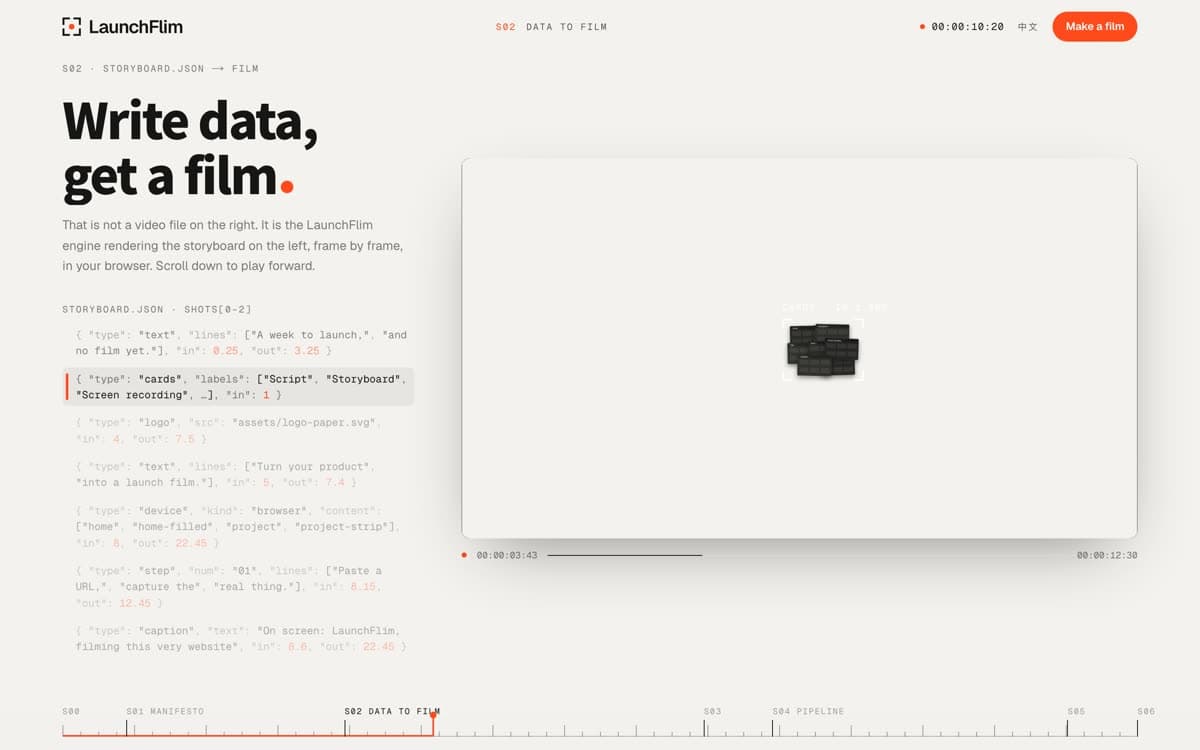
S02 · storyboard.json → film
Write data,get a film.
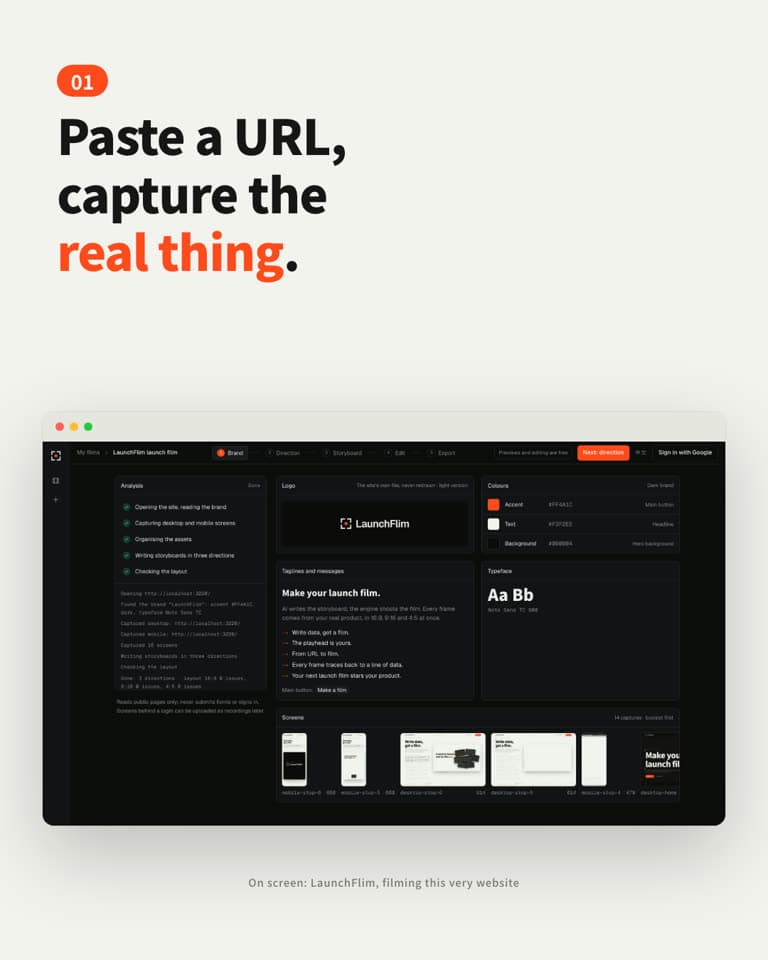
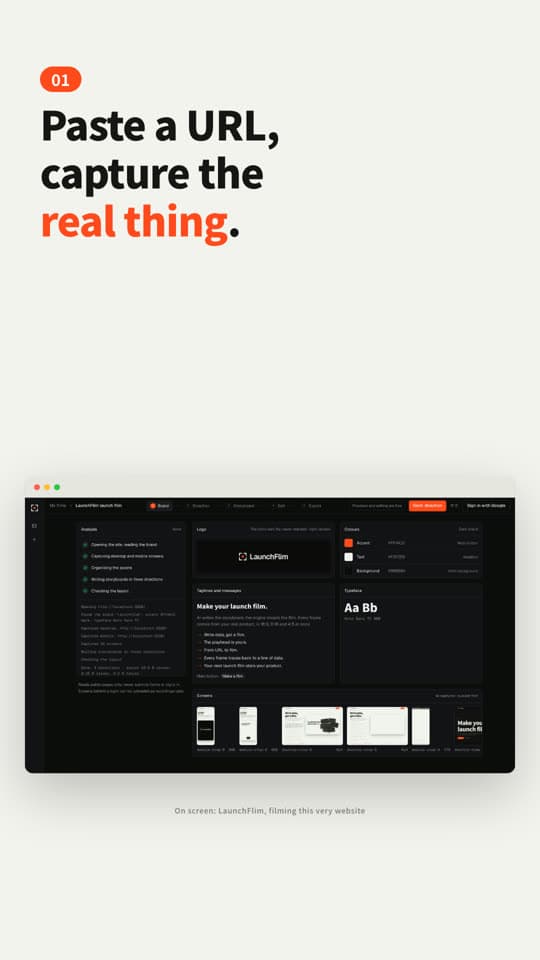
{ "type": "text", "lines": ["A week to launch,", "and no film yet."], "in": 0.25, "out": 3.25 }{ "type": "cards", "labels": ["Script", "Storyboard", "Screen recording", …], "in": 1 }{ "type": "logo", "src": "assets/logo-paper.svg", "in": 4, "out": 7.5 }{ "type": "text", "lines": ["Turn your product", "into a launch film."], "in": 5, "out": 7.4 }{ "type": "device", "kind": "browser", "content": ["home", "home-filled", "project", "project-strip"], "in": 8, "out": 22.45 }{ "type": "step", "num": "01", "lines": ["Paste a URL,", "capture the", "real thing."], "in": 8.15, "out": 12.45 }{ "type": "caption", "text": "On screen: LaunchFlim, filming this very website", "in": 8.6, "out": 22.45 }
S03 · Player
The playhead is yours.
One storyboard, recomposed for every format. Change a line or a brand colour and the whole film follows, instantly.
Drag the timeline, or swipe across the frame
S04 · Pipeline · 01 / 05
From URL to film.
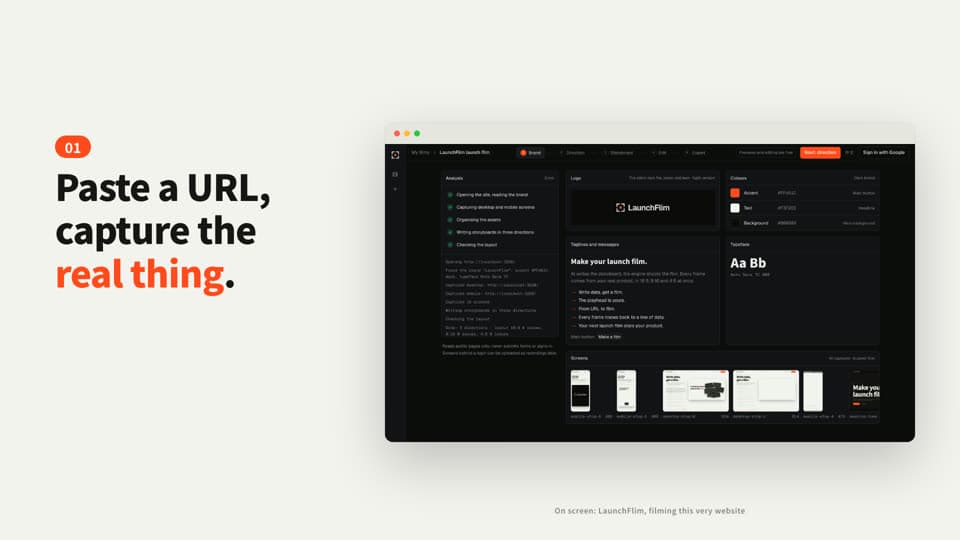
01Capture
Freeze the clock, step CSS animations frame by frame, capture the real interface. Screens behind a login come from a recording you provide.
storyboard.json · shots[2] · written by Claude
{ "id": "capture", "start": 7.95, "end": 12.95, "elements": [ { "type": "step", "num": "01", "lines": ["Paste a URL,", "capture the", "real thing."], "in": 8.15, "out": 12.45, "size": { "16x9": 72, "9x16": 80, "4x5": 68 } }, { "type": "device", "kind": "browser", "in": 8, "content": ["home", "home-filled", "project", "project-strip"] } ]}
cues.json · 47 sound cues, all derived from the timeline
whoosh 19thud 7pop 7tap 4sparkle 2impact 2heartbeat 2note 2swipe 2
Score · D minor · 120 BPM · Dm–Bb–F–C
check.json · one frame every 0.25 s
- 16:9Overlaps · out of frame · over devices121 frames · 0 issues
- 9:16Overlaps · out of frame · over devices121 frames · 0 issues
- 4:5Overlaps · out of frame · over devices121 frames · 0 issues
- After export: spec · black bars · frozen frames · loudnessqc.py
S05 · X-ray
Every frame traces backto a line of data.
Generative video hands you a stream of pixels. LaunchFlim hands you a storyboard you can read, edit and check: change the words, the colours or the format without a reshoot.
S06 · Action
Your next filmstarts with a brief.
Paste your website, or bring an asset pack, your logo or a screen recording. Get back a finished film, and a storyboard you can keep editing yourself.
Next you can add an asset pack for a better film, or carry on without one. Sign in with Google to start; previews and 720p drafts are free.